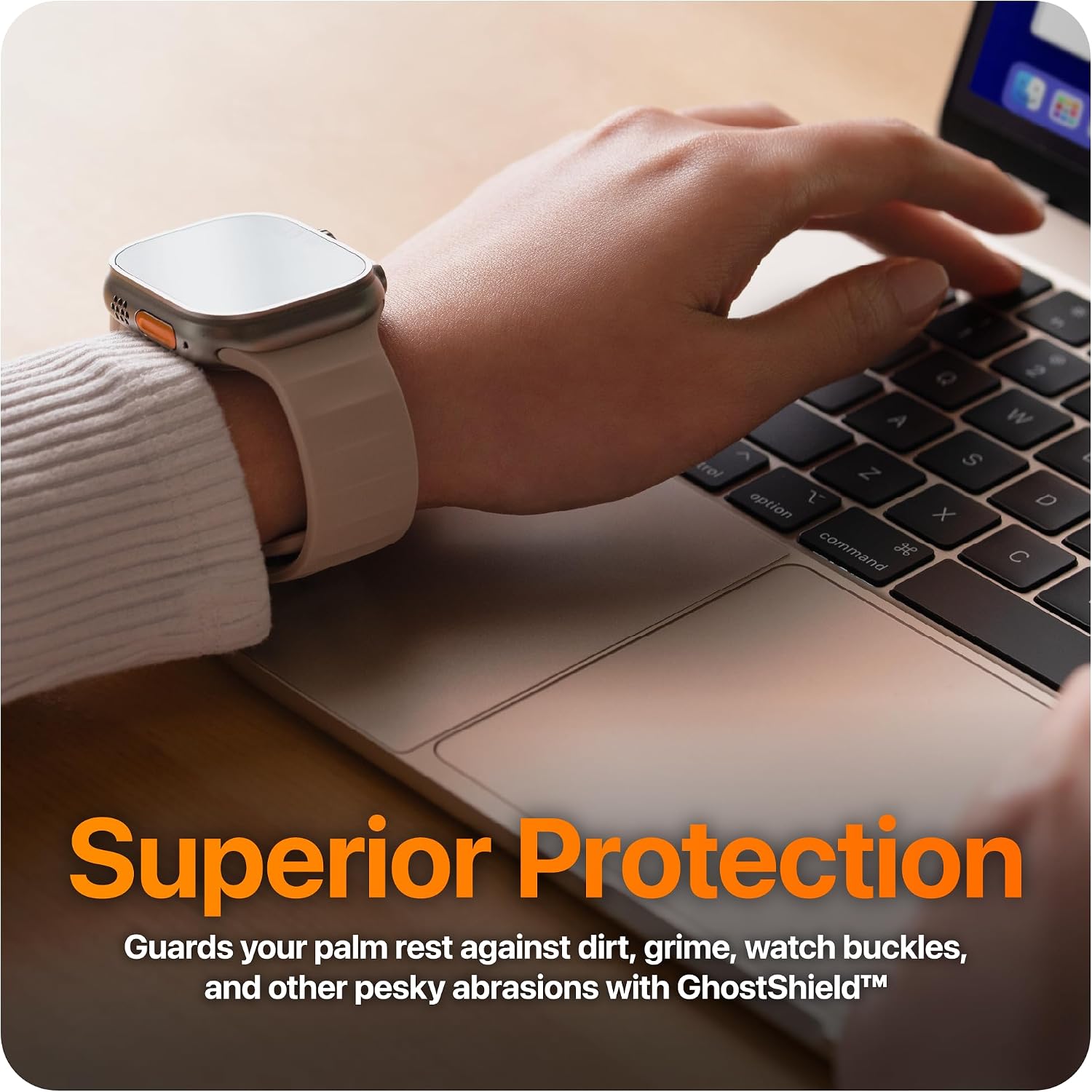
If you have ever bought a MacBook skin — a thin sheet of precision-cut vinyl that sticks to the outside of your laptop to protect it and give it a custom look — there is a reasonable chance you put it on the lid and called it a day. That is completely understandable. The lid is the part everyone sees when you open your bag at a desk or pull it out at the library. But here is what experience and a lot of aggregated owner feedback will tell you: the lid is the part of a MacBook that sees the least friction and wear in daily use. The real attrition happens below the hinge — at the palm rest (the area where your wrists sit while you type), the area around the trackpad, the bottom panel, and the edges. This guide is about protecting those zones intelligently, understanding the tradeoffs between coverage types, and doing it all without accidentally voiding your Apple warranty or leaving adhesive ghosts on your machine.
Whether you are on your first MacBook skin or your fifth, this one is worth slowing down for.
Why the Palm Rest Zone Deserves Its Own Conversation
The aluminum surface of a modern MacBook — specifically the Space Gray, Silver, Midnight, and Starlight anodized finishes Apple ships — is genuinely durable, but it is not impervious. Reviewers at The Verge, in their extended MacBook Pro living-with-it coverage, have consistently flagged that the palm rest area shows micro-scuffs and oil-etching from skin contact faster than the lid does, simply because of the volume of contact hours. You rest your palms there for every typing session. Multiply that by 200 days a year and the math is not kind.
There are three distinct risk categories in the palm rest zone:
1. Surface anodization wear. Apple’s anodized aluminum is a hard coating baked into the metal itself, not a paint layer. It resists scratches well in the short term. But prolonged skin-oil contact — particularly from people with slightly acidic sweat — can dull the finish or create a ghost-polish effect in the palm area over time. iFixit’s chassis material documentation confirms that MacBook anodization depth is typically measured in microns, meaning there is not a lot of material to spare if you start introducing abrasive contact repeatedly.
2. Trackpad surround scuffing. The area immediately surrounding the trackpad is a high-contact zone that many partial-coverage skin kits miss entirely. If your skin covers the palm rest but leaves a gap around the trackpad, that border becomes the new wear line.
3. Edge chipping on bare machines. Corners and edges — especially on the 14-inch and 16-inch MacBook Pro models — are the most reported contact-damage zones in owner communities. A skin that wraps around the edge provides meaningful chip resistance; one that stops at the flat face does not.
The Coverage Tiers: What You Are Actually Choosing Between
When you are evaluating MacBook skin kits, the coverage options roughly sort into four tiers. Understanding what each one includes (and skips) is where most buyers go wrong.
Full wrap kits cover the lid, the palm rest area, the deck around the keyboard, the trackpad surround, and usually the bottom panel. These are the most expensive tier — precision-cut kits from brands like Dbrand run $45–$65 for a MacBook Pro 14 or 16, depending on finish. Owners consistently report that full wrap kits are the only format that meaningfully protects the machine as a system rather than just as a display object.
Top + bottom kits cover the lid and underside but leave the palm rest area bare. These are common in the $20–$35 mid-tier from brands like Skinit. They look clean and provide some slip-resistance protection for table contact, but they leave the highest-friction user-contact zone unprotected.
Lid-only skins are the most widely purchased format and the most misunderstood. They protect the exterior lid from bag scratches and scuffs, which is real value — but they do nothing for the palm rest, which is the zone that shows wear first on most machines.
Palm rest only / partial deck skins are underrated and undermarketed. If you already own a lid skin or do not care about lid aesthetics, a palm rest film alone addresses the highest-priority protection need at a lower price point. Some buyers use this format to layer protection on top of a lid skin they bought years ago.
By the Numbers: Coverage vs. Cost Reference (May 2026 pricing, approximate)
| Format | Typical Price Range | Zones Covered |
|---|---|---|
| Lid only | $8–$20 | Lid exterior only |
| Top + bottom | $20–$35 | Lid + underside |
| Full wrap (lid + deck + bottom) | $45–$65 | All major surfaces |
| Palm rest / partial deck add-on | $10–$18 | Wrist zones + trackpad surround |
The Warranty Question: What Actually Voids AppleCare and What Does Not
This is where misinformation is rampant, and it is worth getting precise. Apple’s MacBook Limited Warranty and AppleCare+ terms, per Apple’s published support documentation, do not automatically void coverage because a skin is present. The warranty language focuses on damage caused by third-party modifications — meaning if a skin installation somehow causes a hardware defect, that specific damage may not be covered. The skin’s existence alone is not the disqualifying event.
In practice, the real risk scenarios are:
Adhesive residue on ports or vents. If a poorly cut skin or a DIY wrap leaves adhesive residue near the MagSafe port, USB-C ports, or ventilation slots, and that residue contributes to a failure, you have a warranty argument problem. Precision-cut kits from established brands are engineered around exact port cutouts specifically to avoid this.
Skins applied over heat vents on the underside. The underside of MacBook Pro models has ventilation areas. A skin that bridges or occludes those areas can contribute to thermal issues. Dbrand’s official FAQ explicitly notes that their bottom-panel skins are designed with vent cutouts to maintain airflow — this is worth verifying for any kit you buy, not just Dbrand’s.
Damage during removal. The highest-risk warranty moment is not application; it is removal. Vinyl skins removed at room temperature, especially skins that have bonded tightly over years, can leave adhesive residue or — in the worst cases with cheap third-party vinyl — pull surface material on older, low-quality anodization. The standard mitigation is heat-assisted removal: warming the skin with a heat gun or hair dryer to 40–50°C reduces adhesive bond strength enough for clean peel. PCMag’s best MacBook accessories coverage has flagged this as a non-obvious buyer consideration: the quality of a skin’s removal is as important as the quality of its adhesion.
The safe zone summary: Precision-cut skins from established brands (those specifically engineered to the MacBook model year you own, not generic templates) applied clean, removed warm, and kept away from port edges are functionally low-risk for warranty purposes. Generic wrap films applied without model-specific cuts are higher risk for every category above.
Material Matters: Finish Choice Is Not Just Aesthetic
If you are at the intermediate-practitioner stage, you have probably already picked a finish preference — matte, gloss, carbon fiber texture, brushed aluminum, leather grain — and that is a legitimate starting point. But there are functional differences worth building into your decision.
Matte finishes (including the popular matte black and frosted clear wraps) are low-glare and tend to hide micro-fingerprints better on palm rest surfaces where skin oils concentrate. Owners on long-run reviews consistently report that matte wraps look “fresher” for longer in high-contact zones than gloss or metallic finishes.
Textured finishes (carbon fiber weave, brushed aluminum look) add grip, which is a genuine functional benefit on the palm rest. They also tend to be slightly thicker, which adds minor scratch buffer depth. Avery Dennison’s MPI 1005 and MPI 1105 product specification sheets (their commercial-grade cast vinyl used in many premium skin-grade films) list conformability ratings that matter when wrapping curved surfaces like MacBook corners — cast films conform significantly better than calendered (cheaper) films, which can lift at edges over time.
Gloss and holographic finishes look striking on lids but are typically the worst performers in palm rest applications: they fingerprint heavily, show wear lines, and tend to develop a “polish” appearance in high-contact areas within months. If you want a holographic or gloss effect, keeping it on the lid and using matte on the deck is a common hybrid approach among collectors who care about longevity as much as aesthetics.
Clear skins deserve a specific call-out. A clear matte or clear gloss palm rest skin protects the aluminum and maintains the original MacBook finish appearance. This is the right choice for anyone who wants protection without changing the look — particularly relevant for Space Black and Midnight colorways where aftermarket finishes rarely match accurately.
The Decision Framework: If X, Then Y
If you are at the point of making a buying decision, here is the clean version:
If your primary concern is resale value and finish preservation: Go full clear matte wrap, palm rest and bottom panel priority. Lid optional. Remove with heat before any service or trade-in.
If you want aesthetic coordination across devices: Full wrap in your chosen colorway, precision-cut to your exact model year. Budget $45–$65 for a quality kit and do not compromise on the model-year specificity — a generic MacBook Pro skin on a 2024 M4 Pro chassis will have cutout mismatches that look worse than no skin at all.
If you have already bought a lid skin and are retrofitting: Add a palm rest partial-deck kit as a standalone. This is the highest-ROI single upgrade for daily wear protection on an existing setup.
If you are managing a device fleet (studio, content team, volume): Prioritize palm rest and bottom panel coverage over lid aesthetics. Lid skins get swapped for branding; palm rests get swapped because the machine is showing wear. Bottom panel protection also reduces table-contact scuffing that can affect residual device value at refresh.
If you are warranty-sensitive or pre-AppleCare claim: Stick to precision-cut brand-specific kits, apply clean, keep adhesive away from all port edges and vent areas, and plan your removal process before you apply — not after.
The lid is the first thing you see. The palm rest is the first thing that fails. Protect both, and your MacBook looks and functions like new for as long as the hardware warrants it.