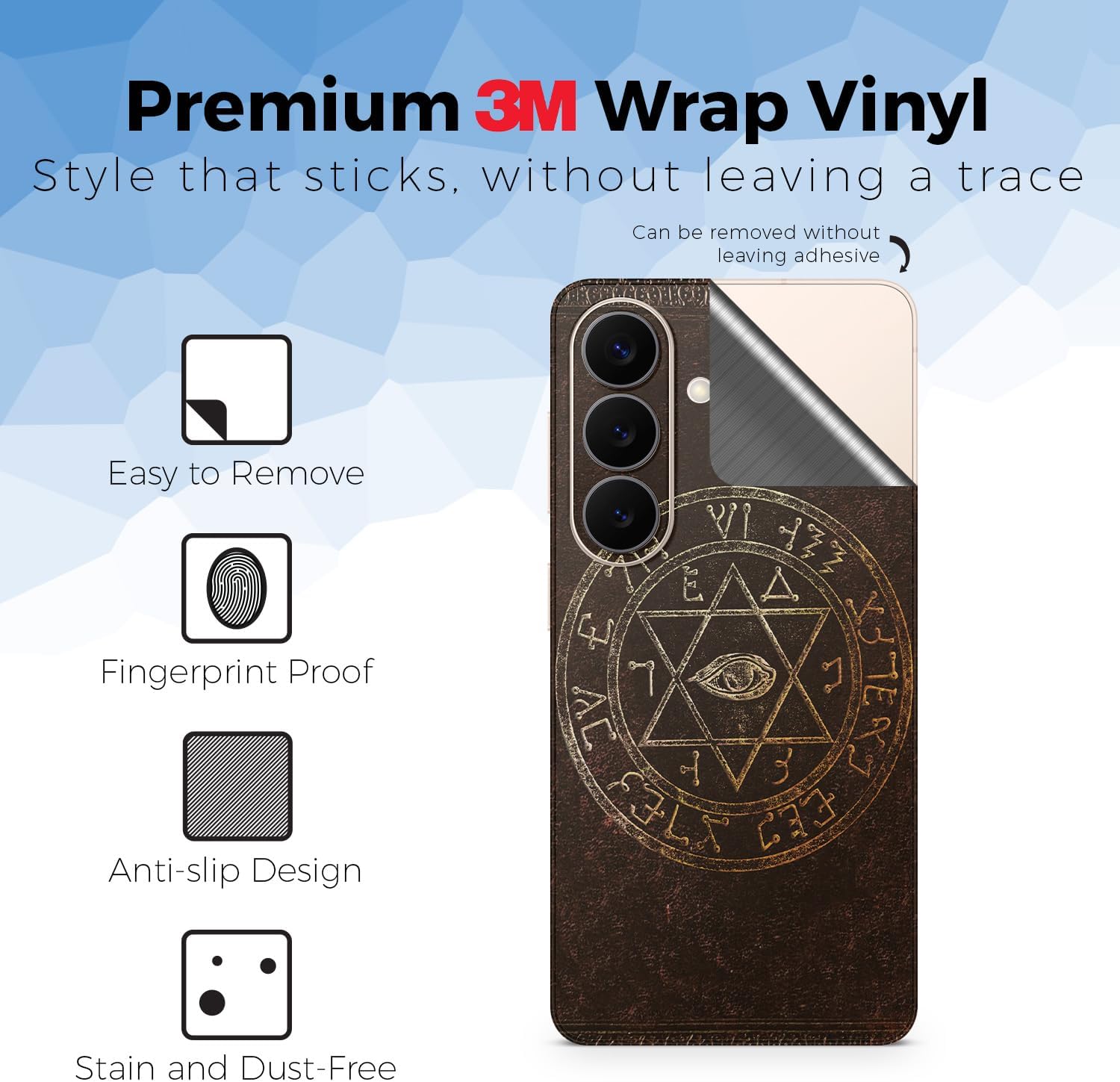
If you’ve ever ordered a skin for your phone — a thin, adhesive vinyl sheet that wraps around your device to change its color, texture, or finish without adding bulk — and then wondered why it looks completely different from the “matching” skin you ordered for your laptop two weeks later, you’ve already discovered the central problem of multi-device coordination. A skin in this context means a precision-cut, pressure-sensitive vinyl decal: no cases, no hard shells, just a conforming layer of material that changes how a device looks and feels. The promise of a coordinated setup — your phone, laptop, earbuds case, and gaming controller all reading as one intentional object — is genuinely achievable. But it fails most often not because of taste, but because of small, avoidable decisions made in the wrong order. This guide walks through the exact decision framework to get there the first time, including where the math matters and where it doesn’t.
Why Coordinated Setups Fail (and It’s Rarely About Color)
Most people who end up with a mismatched multi-device setup didn’t choose wrong colors. They chose the right color at the wrong time, from vendors whose finish interpretations don’t align, across materials with different light-response characteristics.
Here’s what’s actually happening:
Finish drift across product lines. The term matte black describes a family of finishes, not a single specification. A matte black vinyl from Dbrand’s Matte Black texture uses a specific micro-textured polyurethane layer with a defined sheen rating. A matte black from a budget skin vendor is likely a different base film, possibly with a semi-gloss top coat that reads as near-matte under overhead lighting but catches side-light differently. Creative Bloq’s guide to vinyl finish types notes this explicitly: finish names are marketing descriptors, not material standards, and even within a single brand, different product lines (standard vs. premium) can use different base films.
Cross-vendor color drift. If you order your phone skin from Vendor A and your laptop skin from Vendor B, you’re now dealing with two separate color-matching pipelines. Even if both call the finish “Sunset Orange,” the pigment dispersion, topcoat chemistry, and vinyl thickness will affect perceived color under real-world mixed lighting. The Verge’s accessory coverage has documented how coordinated aesthetics in the device-skin space require single-vendor sourcing to be reliable at scale.
Size-to-surface-ratio visual effects. A carbon fiber texture — the diagonal weave pattern printed or embossed into vinyl — reads very differently across a 6.1-inch phone panel vs. a 13-inch laptop lid. The weave pitch (how large each individual “cell” in the pattern is) is often constant across all product sizes from a given brand, meaning the pattern tiles at a different density per device. On small surfaces like an earbud case or controller trigger zone, the weave may feel busy or incomplete. This is a known tradeoff, not a defect — but it’s one that buyers rarely account for before purchase.
The Right Purchase Order: Build from the Anchor Device Out
The single most common and fixable mistake is treating all four devices as equivalent purchase decisions. They’re not. One device should serve as your anchor — the piece whose finish, color, and vendor selection locks in every downstream decision.
Step 1: Choose your anchor device. In almost every setup, this should be your laptop. Here’s why: laptop skins carry the largest surface area, the highest cost, and the most limited return windows. PCMag’s roundup of laptop skins consistently notes that laptop-lid wraps are the purchase with the least forgiveness for color or finish regret — they’re harder to remove cleanly, more expensive to replace, and visually dominant in any desk or café setup. Get the laptop right, and everything else calibrates to it.
Step 2: Source your phone skin from the same vendor, same product line. Once you’ve committed to, say, Dbrand’s Swamp Green or Skinit’s custom matte finish for your laptop, order your phone skin from the same vendor’s equivalent product tier before the laptop skin ships if possible. You want the same batch of base film, or as close to it as vendor lead times allow. If you’re in a Dbrand setup, this means staying inside the same texture family — their “Swamp” finish on a phone will read as a match to the same finish on a MacBook lid because the film spec is shared across device types.
Step 3: Earbuds and controllers are accent pieces — treat them differently. This is where most buying guides give bad advice by insisting on perfect matching. At the scale of an AirPods case or a PS5 controller, a literal color-match is often less visually pleasing than a complementary approach. Earbuds cases are small, high-handling surfaces that show wear quickly, and the skin’s texture will read more as a tactile upgrade than a color statement. Controllers are held, not displayed — their finish matters more for grip and feel than for visual cohesion at a distance.
The decision framework, simplified:
| Device | Role | Priority |
|---|---|---|
| Laptop | Anchor — locks vendor and finish | Highest |
| Phone | Primary match — same vendor, same line | High |
| Controller | Complementary — same hue family, contrast texture okay | Medium |
| Earbuds case | Accent — texture upgrade, loose color match acceptable | Lower |
Finish Compatibility: What Mixes Well and What Doesn’t
If you’ve decided to go single-vendor (the cleanest path), you still have choices about finish type. If you’re mixing vendors intentionally — say, a boutique artist skin on your phone and a Dbrand setup everywhere else — here’s what the material science says about what reads as coordinated vs. chaotic.
Matte + matte: almost always works. Matte finishes (which have a micro-textured surface that scatters light rather than reflecting it in a unified direction) are the most forgiving for cross-device coordination. Minor color drift between vendors reads as intentional variation rather than error under matte surfaces. The Avery Dennison Supreme Wrapping Film data sheet — the gold standard for commercial-grade vinyl used by professional wrappers — specifies matte films in the 1–5 gloss unit range (GU), compared to 70–90 GU for gloss finishes. That low reflectivity means lighting conditions affect perceived color far less dramatically.
Matte + carbon fiber: works with intent. Carbon fiber texture — a printed or embossed diagonal weave — under a matte topcoat reads as a deliberate accent rather than a mismatch. This is one of the most popular coordination patterns in the hobbyist community, per aggregated discussions in device-customization forums: matte black as the base finish on the laptop and phone, carbon fiber as a texture accent on the controller or earbud case. It signals intentionality.
Gloss + anything: requires commitment. High-gloss finishes (the kind that reflect like a mirror and show fingerprints in seconds) are the hardest to coordinate across vendors because any color drift is immediately visible. Gloss on a phone next to a near-gloss on a laptop will look like a mistake unless both came from the same production run. If you’re committed to gloss, go single-vendor, same SKU family, same order if possible.
Holographic and color-shift finishes: anchor to the device, not the color. Holographic skins — the kind that shift color under different angles — are inherently impossible to “match” in a static color sense. The coordination strategy here is thematic unity: use the same holographic SKU from the same vendor across all devices. Skinit’s custom builder, for example, allows you to apply a user-uploaded artwork file across multiple device templates in a single session, ensuring the color pipeline is identical across all pieces.
The Budget Math: What It Actually Costs to Do This Right
Let’s be concrete. A four-device coordinated setup with serious finish expectations is not cheap, but it’s also not as expensive as it’s often perceived if you plan the purchase correctly.
By the numbers (mid-tier, single-vendor, precision-cut):
- Phone skin (Dbrand or Skinit tier): $15–$22
- Laptop skin (13–15 inch, full-panel): $25–$40
- Controller skin (PS5 / Xbox Series X): $15–$22
- Earbuds case skin: $8–$14
- Total: $63–$98 for a coordinated four-device setup
At the boutique tier (custom artwork, limited-edition collabs, or artist commissions), per-device costs can exceed $50–$80, putting the full setup at $150–$250+. The cost logic doesn’t change — the anchor-first framework still applies — but the risk calculus at that price point makes ordering samples or finish swatches before committing to the full set a legitimate strategy. Several Etsy-based custom studios noted in Creative Bloq’s vinyl finish guide offer swatch shipments for a small fee precisely because coordinated commissions are a meaningful share of their order volume.
Where to save without losing coherence: Earbuds cases and controller skins are the lowest-visibility surfaces in a typical use environment. This is where a budget skin from a mid-tier vendor (the $8–$12 tier) is a defensible choice, even if it introduces minor finish drift — because those surfaces are rarely in the same visual frame as your laptop lid at a glance. Don’t cut cost on the anchor device.
If X, Then Y: Your Decision Rules
If you want the cleanest possible match across all four devices → Go single-vendor, same finish SKU, order everything in one session. Dbrand’s multi-device builder and Skinit’s custom portal both support this. It’s the lowest-risk path.
If you already own a phone skin you love and want to coordinate forward → That skin is now your anchor, not your laptop. Source everything else to its vendor and finish. Retrofitting the laptop to match is easier than retrofitting four devices to a new system.
If you’re mixing a boutique artist skin with commercial skins → Put the artwork skin on the phone (highest-visibility, highest-handling device) and use neutral, matte commercial skins on lower-visibility devices. The artwork becomes the focal point; matte black is the frame.
If finish durability is your primary concern → Carbon fiber and matte textured finishes from commercial-grade base films (Avery Dennison SW900 series or 3M Series 1080) consistently outperform printed-top-coat alternatives in reviewer longevity reports, particularly on high-friction surfaces like controllers and phone backs. PCMag’s accessory coverage notes textured finishes resist edge-lift longer than smooth films on curved surfaces.
If your budget is under $60 for all four devices → Prioritize the laptop and phone. Leave the earbuds case un-skinned or use a single-color budget skin as a placeholder. A well-executed two-device setup looks more intentional than a four-device setup where two pieces are visibly lower quality.
The coordinated setup is a planning problem more than a taste problem. Get the anchor right, stay inside one vendor’s finish ecosystem where it counts, and let the accent pieces be accent pieces. That’s the whole framework — everything else is execution.